

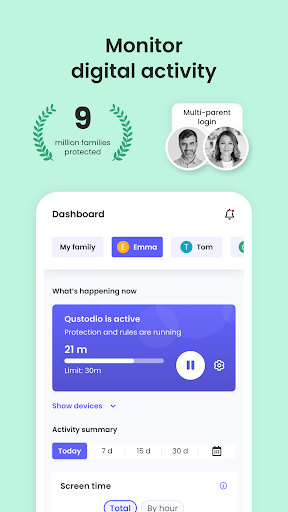
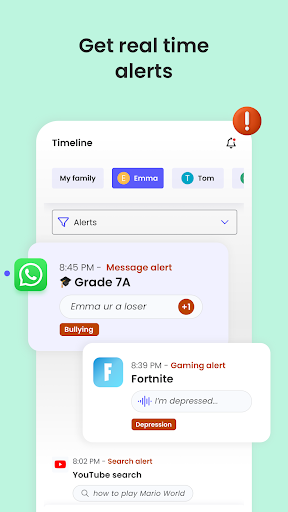
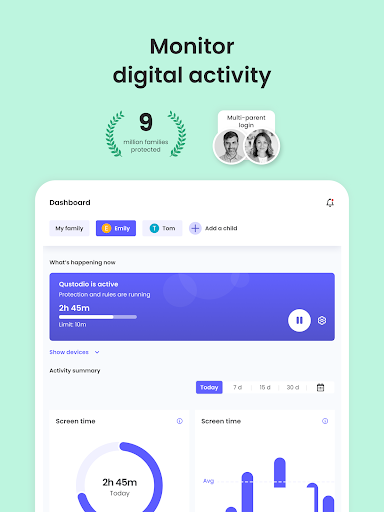
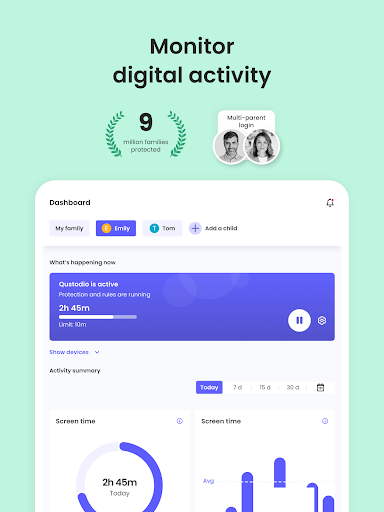
The Qustodio Parental Control App provides tools for parents and guardians to manage and monitor a child’s digital activity across various devices. To use it, you first download the Qustodio app onto your own device, then install the companion Kids App Qustodio onto each child’s mobile, tablet, or desktop device. This setup allows you to set daily screen time limits, block specific apps and websites, and receive alerts about online activity, helping to supervise internet usage and foster healthier digital habits. The app also includes distinctive AI-powered alerts for suspicious search and message content, offering a layer of insight into a child’s communication.
Screen Time Management
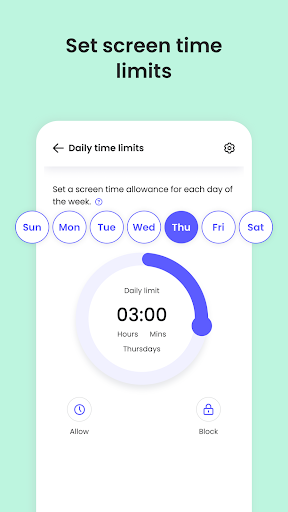
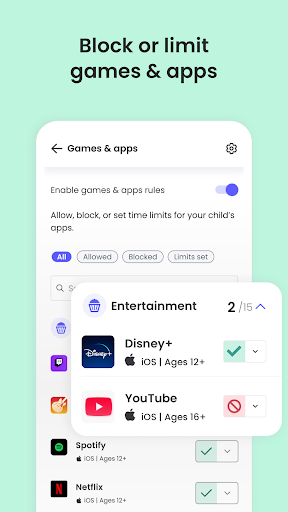
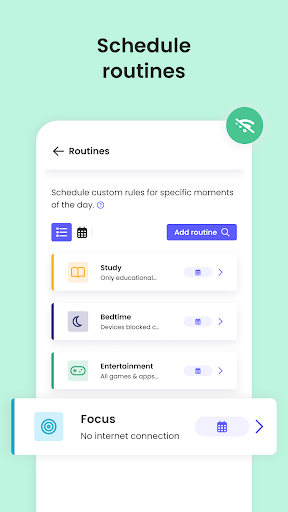
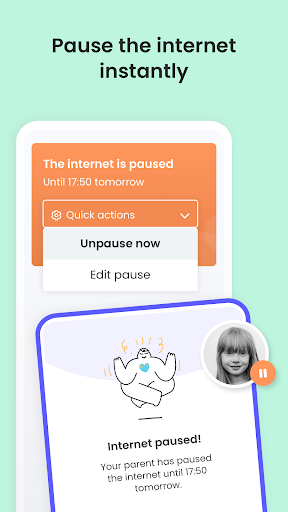
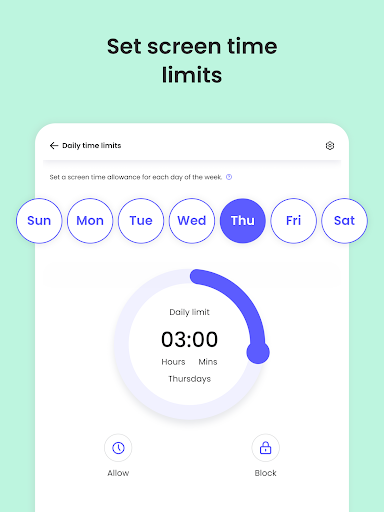
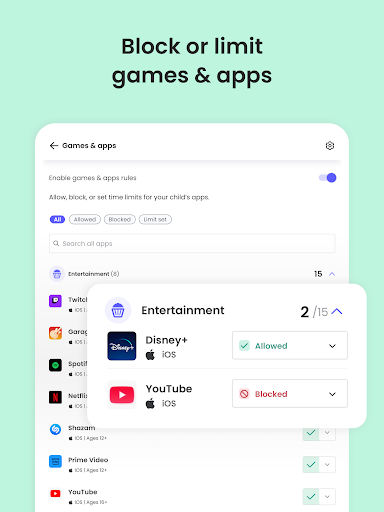
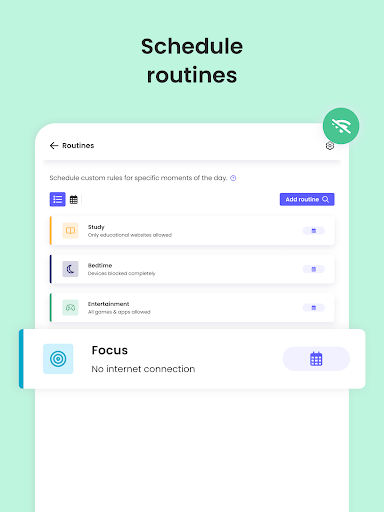
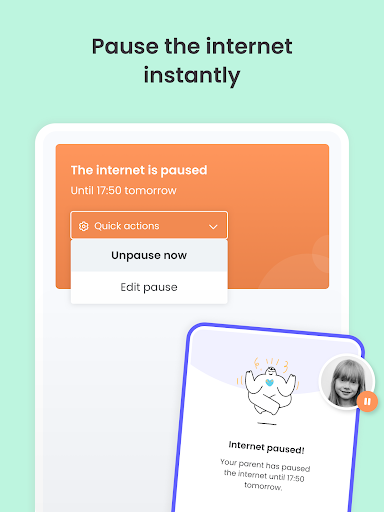
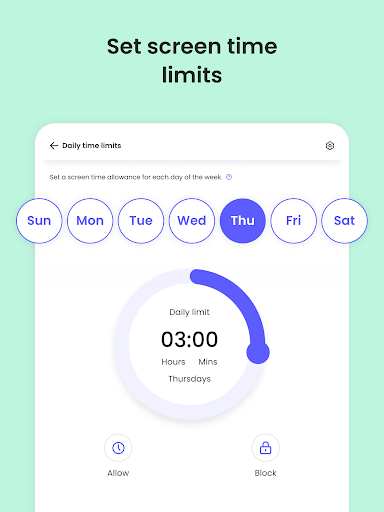
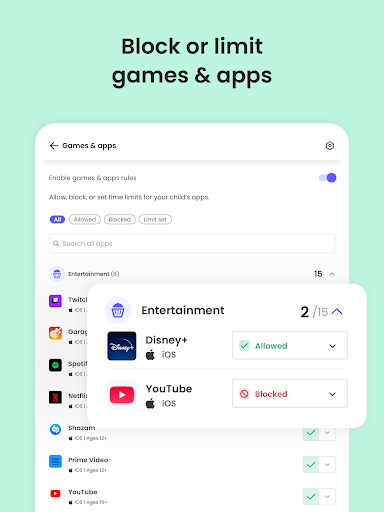
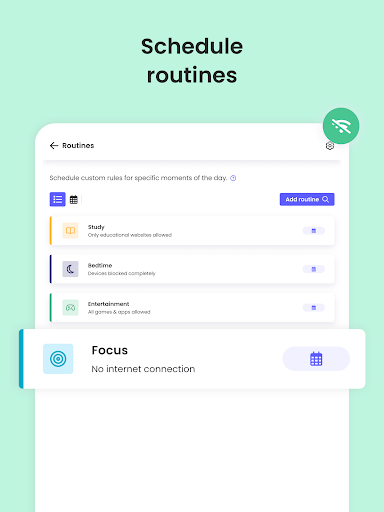
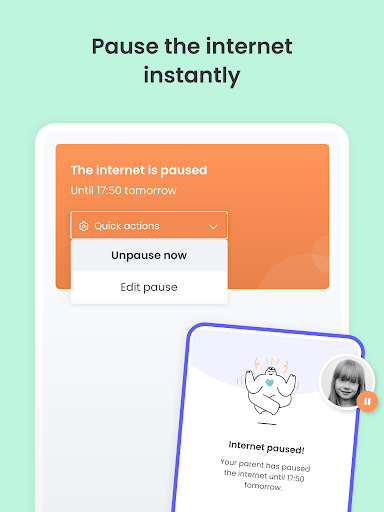
The app allows you to set daily screen time limits for your child’s linked devices. Once the set time has passed, the device is automatically blocked. You can also pause internet access instantly with a single action. Beyond overall daily limits, the app supports setting specific limits on individual games and apps, and you can create custom routines for how and when certain apps and websites can be accessed.
Content Filtering and Online Safety
Qustodio helps filter and block various types of content, including websites, games, pornography, and gambling sites. It enforces safe search settings on compatible platforms. Parents receive alerts regarding web activity and whenever an attempt is made to access a blocked website, providing insight into a child’s browsing habits.
Monitoring Communications and Activity
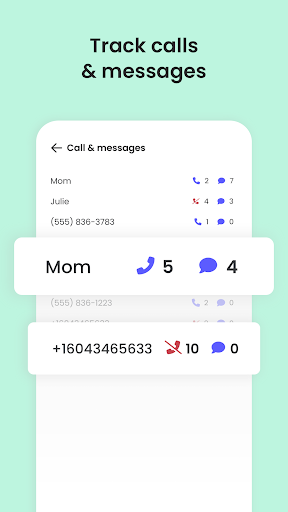
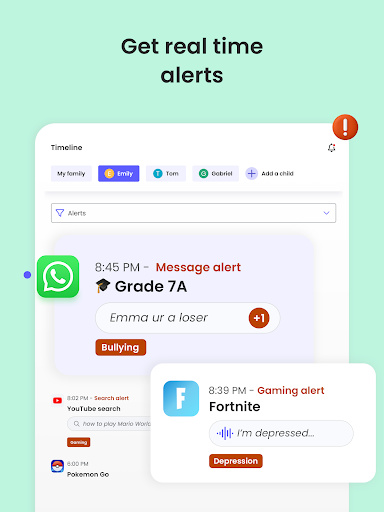
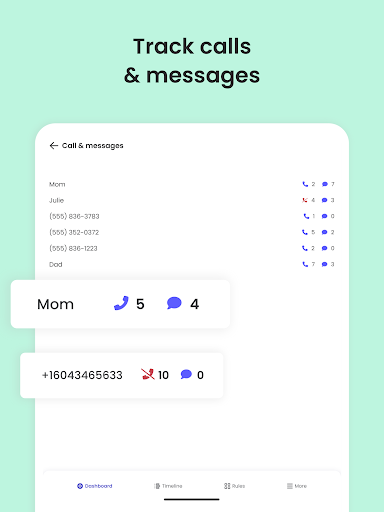
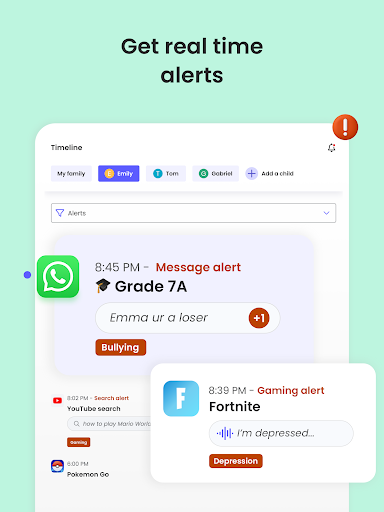
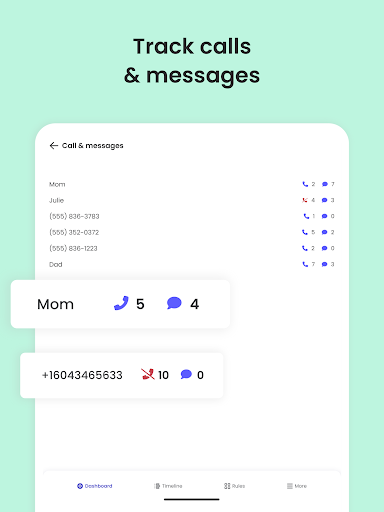
A key feature is the AI-powered alert system, which monitors and sends notifications about suspicious browsing activity or potentially harmful SMS and social messages. Social media monitoring is specifically available for WhatsApp, Instagram, and Line. The app also tracks YouTube activity, alerts you about new app downloads, and allows you to track and block unwanted calls and SMS messages. For a comprehensive overview, the app provides daily, weekly, and 30-day online activity reports directly to your inbox.
Family Location Tracking
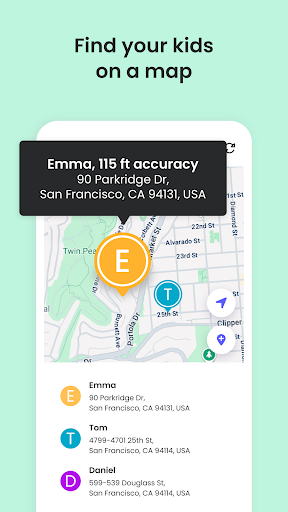
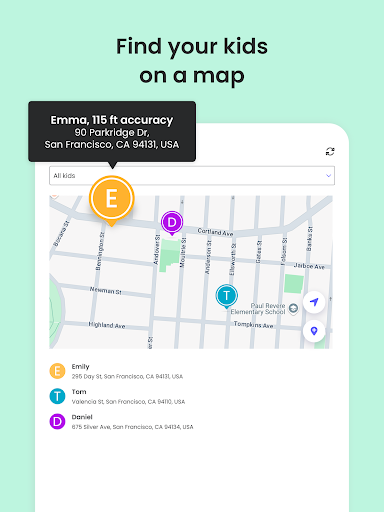
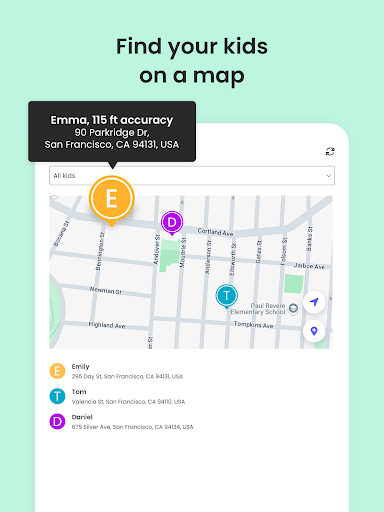
Qustodio includes a family locator and GPS family tracker. This functionality allows you to monitor your child’s GPS location and helps you find their phone if it’s lost, providing peace of mind regarding their physical whereabouts.
Collaborative Supervision
For families with multiple guardians, the app supports a co-parenting feature. This allows you to invite another parent or guardian to monitor activity and set rules for the child, enabling shared responsibility in managing digital boundaries.
Cross-Platform Support
The app is designed to manage children’s devices across a range of operating systems and platforms. You can monitor and set rules for devices running iOS, Windows, Mac, Android, or Kindle, offering broad coverage for common household electronics.







Write a review